BLOG

The Top 5 Secure Patient Texting Platforms for 2026

Secure Texting

January 20, 2026
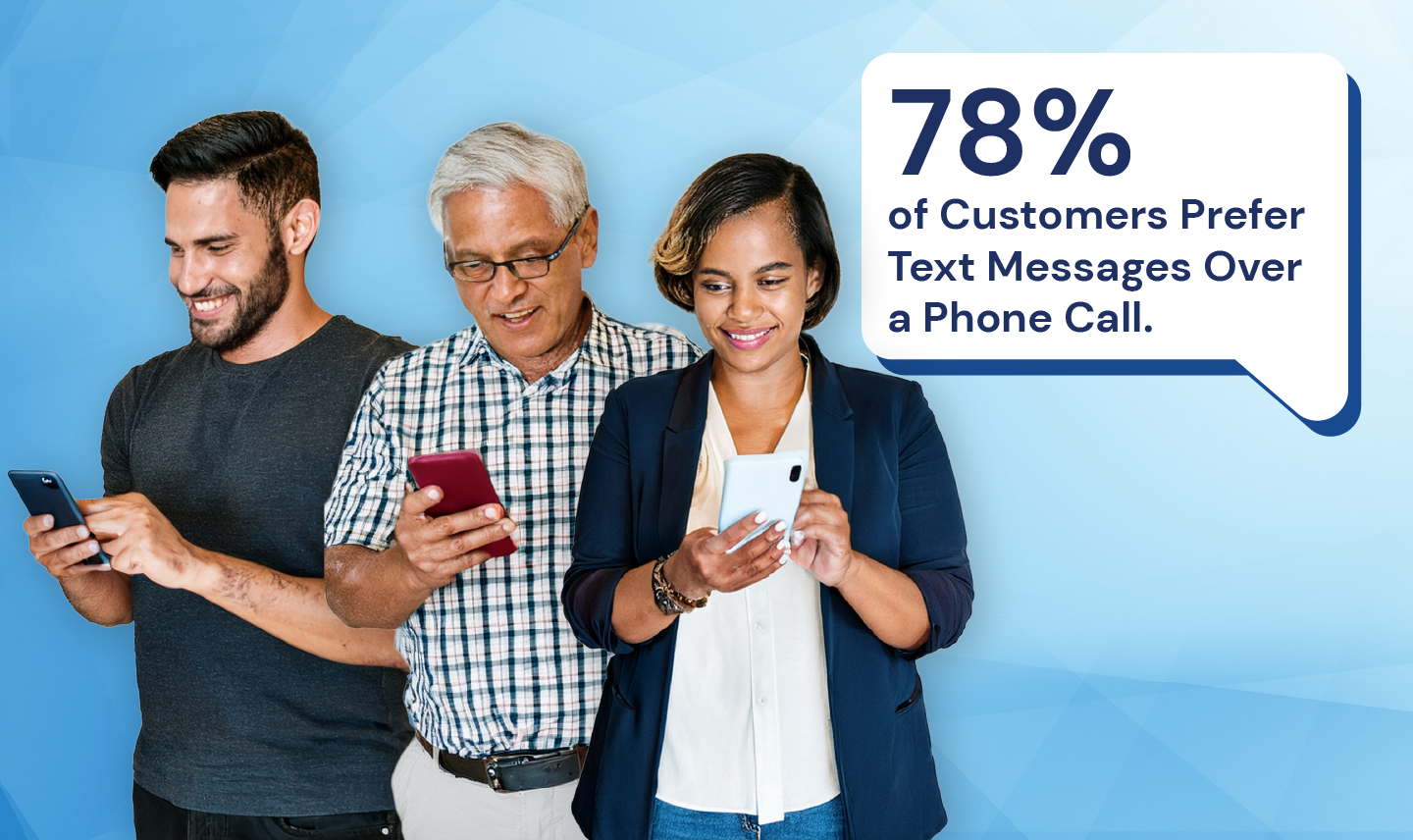
78% of customers prefer text messages over a phone call

Secure patient texting helps healthcare organizations communicate quickly with patients while protecting PHI, boosting engagement, and reducing phone tag across the care journey.​

Why secure patient texting matters

Secure patient texting gives patients a simple way to connect with their care team using a channel they already check many times a day. It supports faster care coordination, improves satisfaction, and can reduce costs when compared with phone calls, letters, and portals that patients often ignore.​

  • Secure patient texting allows staff to manage more interactions asynchronously, easing call volume and freeing time for higher-value clinical work.​
  • It lets providers send reminders, instructions, follow-ups, and secure links for portals or telehealth, which can increase show rates and medication adherence.​
  • Secure patient texting keeps PHI protected through encryption, access controls, and audit trails so organizations can comply with HIPAA while using text as a modern communication channel.​

Clinical and operational benefits

Secure patient texting is not just a convenience feature; it provides measurable clinical and operational upside. When used thoughtfully, it can improve throughput and experience for both patients and staff.​

  • Faster communication: Secure patient texting accelerates the flow of vital information, which has been linked to fewer errors, faster decisions, and improved outcomes.​
  • Better patient experience: Texting reduces anxiety-inducing phone tag and provides patients with a clear, written record of instructions they can revisit anytime.​
  • Higher engagement: Automated, secure patient texting increases patient satisfaction, reduces use of acute care resources, increases response rates, and reduces no-shows.​

Key capabilities to look for

When evaluating secure patient texting platforms, leaders should go beyond basic two-way SMS and look for capabilities that support security, usability, and scalability.​

  • Security controls: Strong, secure patient texting solutions provide end-to-end encryption, authentication, role-based access, audit trails, and configurable message retention or automatic expiration.​
  • Patient-friendly access: Leading platforms allow secure patient texting through MMS and SMS-delivered links or app-less web sessions, avoiding complex logins and apps that reduce adoption.​
  • Multi-channel support: Many organizations need secure patient texting alongside email, voice, and telehealth in one platform, so a multi-channel, mobile-first design is critical.​
  • Optimize patient trust: Building trust to click message links is critical because patients and staff are increasingly trained to be suspicious of unfamiliar URLs due to phishing, smishing, and other cyber threats, which means even legitimate links are often ignored. Look for demonstrated vendor experience and features that build trust, such as logos, organization-specific URLs, and more.
  • Partnership: An agile and results-focused vendor can quickly adapt to regulatory changes, shifting patient needs, and new organizational priorities, ensuring your communication programs remain relevant instead of getting stuck in long, outdated release cycles. The right partner continually iterates based on data, driving sustained performance improvement rather than one-time implementation wins.

Features that differentiate leading solutions

To future-proof an investment in secure patient texting, decision-makers should prioritize capabilities that extend beyond simple messaging.​

  • Automation and workflows: Top platforms combine secure patient texting with campaigns, conversational chatbots, and rules for reminders, intake, recalls, and follow-up sequences that run without manual effort.​
  • Integration and data visibility: EHR and practice management integrations allow secure patient texting conversations, appointments, completed forms, and balances to appear in context for staff.​
  • Integrated, robust data capture: Support for HIPAA-compliant custom forms and e-signatures enables organizations to dramatically reduce manual efforts to capture documentation, while increasing convenience for patients.
  • Multi-language support: Real-time translation in patient texting ensures that appointment details, care instructions, and medication guidance are clearly understood in the patient’s preferred language, reducing dangerous misunderstandings and errors for the 8% of individuals with limited English proficiency. It also strengthens engagement and trust.
  • Analytics and continuous improvement: Reporting on message volume, read rates, response times, opt-outs, and outcomes helps leaders refine their secure patient texting strategy over time.​

The Top 5 Secure Patient Texting Vendors

QliqSOFT, TigerConnect, OhMD, Klara, and Updox are widely recognized as leading secure patient texting solutions, each balancing HIPAA compliance with strengths in enterprise collaboration and/or outpatient engagement.​

QliqSOFT

  • Focus: Omnichannel secure staff and patient texting across care at home, hospitals, and ambulatory organizations of all sizes.​
  • Notable strengths:
    • Designed to connect staff collaboration, patient engagement, and clinical workflows from initial patient contact through follow-up care and population health management for all healthcare organizations.
    • HIPAA-compliant telehealth platform that consolidates multiple communication channels into a single end-to-end communication layer supporting both one-to-one patient texting, campaign automation, and virtual visits.
    • No code tools enable easy creation and delivery of conversational chatbots, HIPAA-secure digital forms, and PDF data capture, including e-signatures.
    • End-to-end encryption, Multifactor Authentication, role-based access, audit trails, message expiration, and archival.​
    • App-based secure staff texting (QliqCHAT) supporting staff collaboration and simplifying clinical workflows, including integration with app-less patient texting (QuincyCHAT).

TigerConnect

  • Focus: Enterprise clinical collaboration and secure messaging for hospitals and large clinics.​
  • Notable strengths:
    • Strong for large, acute environments that need deep integrations with EHR, nurse call, and hospital workflows.​
    • HITRUST-certified platform with end-to-end encryption, auto-deleting messages, PIN/biometric access, remote lockout, and extensive admin controls.​
    • Combines secure texting with voice, video, alert routing, and on-call scheduling; patients access secure chats via SMS links to browser sessions.​

OhMD

  • Focus: Patient texting and virtual care for ambulatory practices and small to midsize organizations.​
  • Notable strengths:
    • HIPAA-compliant two-way texting, voice, and video from a practice phone number, with emphasis on intake and visit coordination.​
    • Designed to simplify provider–patient communication more than complex internal hospital workflows.​

Klara

  • Focus: Patient engagement and secure texting for outpatient practices.​
  • Notable strengths:
    • EMR integrations and templates aimed at front-office workflows and routine patient outreach.​
    • HIPAA-compliant, two-way SMS-style texting without patient logins or app downloads, plus telemedicine features like video visits.​

Updox

  • Focus: Unified patient communication (text, fax, telehealth) for ambulatory and small health systems.​
  • Notable strengths:
    • Single secure inbox that consolidates messages, calls, and faxes for staff efficiency.​
    • Secure, encrypted SMS-style texting with audit logs, access controls, and opt-in workflows, plus HIPAA-compliant faxing and video.​

Side-By-Side Comparison of Secure Patient Texting Platforms

QliqSOFT TigerConnect OhMD Klara Updox
Primary Focus Staff + patient texting and omnichannel data capture and automation across ambulatory, acute, population health & post-acute.​ Enterprise clinical collaboration for hospitals and large systems.​ Patient texting & intake for practices.​ Patient engagement & SMS texting for clinics.​ Patient communication hub (text, fax, video).​
Patient Access Models  App-less secure links via MMS/SMS/email plus staff app.​ SMS links to secure browser chat; clinician app for staff.​ Texting from practice number; supports voice/video.​ SMS texting without logins, plus telehealth.​ Secure SMS with opt-in workflows.​
Key Security Controls End-to-end encryption, MFA, RBAC, audit trails, message expiration, archival.​ End-to-end encryption, HITRUST, auto-delete, PIN/biometrics, remote lockout, audit logs.​ HIPAA-compliant messaging with controls for PHI.​ Encrypted texting and HIPAA-compliant architecture.​ Encrypted texting, audit logs, role-based access, 2FA.​
Best Fit Environment Any healthcare organization that wants to integrate texting, virtual visits, and form/e-signature capture in one platform. Hospitals, IDNs, and large clinics need deep integrations and alerting.​ Small–midsize ambulatory practices focused on patient communication.​ Outpatient clinics seeking simple SMS workflows + telehealth.​ Ambulatory practices and small health systems are modernizing fax + patient outreach.​
Automated Workflows Robust no-code / low-code automation using chatbots and templates to trigger messages, tasks, and forms from status, time, or event rules. Strongest on real-time clinician communication and alerting; automation is more focused on routing and escalation than full patient workflows. Lightweight automation with simple reminders and broadcast messages. Strong, configurable workflow automation across the patient journey. Moderate-to-strong automation centered on appointment, portal, and admin workflows focused on ambulatory workflows.
Data Capture No-code, healthcare-specific digital forms and chatbots that capture structured data, e-signatures, assessments, and consents via mobile links (including form and routing conditional logic. Patient engagement tools support interactive intake and health/contact forms, often sent ahead of visits. Provides customizable HIPAA-compliant electronic forms with conditional logic for intake, consents, and questionnaires. Mobile-friendly digital intake and clinical forms (demographics, medical history, HPI, insurance) that replace paper packets. HIPAA-compliant eForms with configurable fields for intake, consents, insurance, clinical screenings, and surveys.
Integration Built as an interoperability-first platform for multi-entity health systems, home health, and hospice, orchestrating messaging, forms, and automation across disparate systems and care settings. Strong for hospital/enterprise use, turning EHR and device data into actionable notifications, role-based routing, and care-team context without replacing the core EHR. Designed to sit tightly alongside small-to-mid practice EHRs so texting, forms, and telehealth run off shared schedules and patient records. Particularly strong for athenahealth and ModMed customers who want a tightly integrated, visit-centric engagement and intake layer. Strong for practices seeking a unified communication and document layer tightly connected to their existing ambulatory EHR, especially for fax-heavy and front-office workflows.
Multi-Language Support Provides embedded, real-time text translation for patient messaging across 180+ languages, allowing staff to type in English (or their native language) and patients to receive messages in their preferred language. Core interfaces and documentation focus on English; public materials emphasize secure messaging, alerts, and telehealth rather than built-in translation. Product and support are documented as English-only, and reviews explicitly state that English is the supported language. Marketed around “patients’ preferred channel” but not specifically built-in language packs; app store and marketing copy are primarily in English even when localized store pages exist. Core secure text and telehealth tools are English-centric but have explicit interpreter/translation services guidance for telehealth.
Virtual Visits Integrated, HIPAA-compliant video visits launched from secure messages, often embedded in broader chat- or form-driven care flows. Built-in telehealth with real-time video, voice, and text in one app; supports 1:1 and group virtual visits across inpatient, outpatient, and care management. Browser-based video visits are embedded in the same interface clinicians use for secure texting, reminders, and forms. Supports virtual visits as part of its conversational patient engagement and intake toolkit (often via integrated telehealth or partner solutions). Full telehealth suite with video, audio, multi-party visits, virtual waiting rooms, and screen sharing.

Conclusion

Used strategically, secure patient texting becomes a core part of digital front door and care coordination strategies, helping organizations communicate in ways that are fast, convenient, and compliant.

Frequently Asked Questions (FAQs)

Most patients never activate or regularly use their portal accounts, so portal-only communication often reaches a small fraction of the panel. Portals require usernames, passwords, and navigation skills that many elderly or low literacy patients find confusing, leading to missed messages and low response.

Secure text outreach meets patients in a familiar channel on their mobile phone, producing far higher open and response rates than portal notifications or email.

Organizations should transparently explain who they are, how they protect data, and why they use digital channels, while equipping staff with talking points, posters, and training to consistently reinforce that secure messages are legitimate and helpful.

Using branded MMS with logos, familiar custom URLs, clear opt-in flows, smart redirects, and real-time translation so patients recognize the sender, trust the secure link, and can engage easily in their preferred language from the very first outreach. For more information, see Mastering Connection: Best Practices for Initiating Patient Engagement.

Yes, Organizations can provide a phone number, QR code, and/or a link on their website to enable the patient to start a conversation. Once the patient initiates contact, the care team is alerted and can respond via the QuincyCHAT secure patient texting console, keeping the entire conversation secure.

Using flexible QliqSOFT no-code tools, organizations can set business hours and define how the system responds when patients initiate contact outside those hours. For example, the patient can be presented with an out-of-office message and a form to provide their name, contact information, message, and the best time to call for staff to return the call when they are back in the office.

The Author
Bobbi Weber

Bobbi is a lifelong learner who is passionate about enabling healthcare transformation. She has 20+ years of healthcare experience in care delivery, consulting, healthcare IT, and market strategy.

Want our blogs in your inbox?
Subscribe for more!

Thank you!
Oops! Something went wrong while submitting the form.